







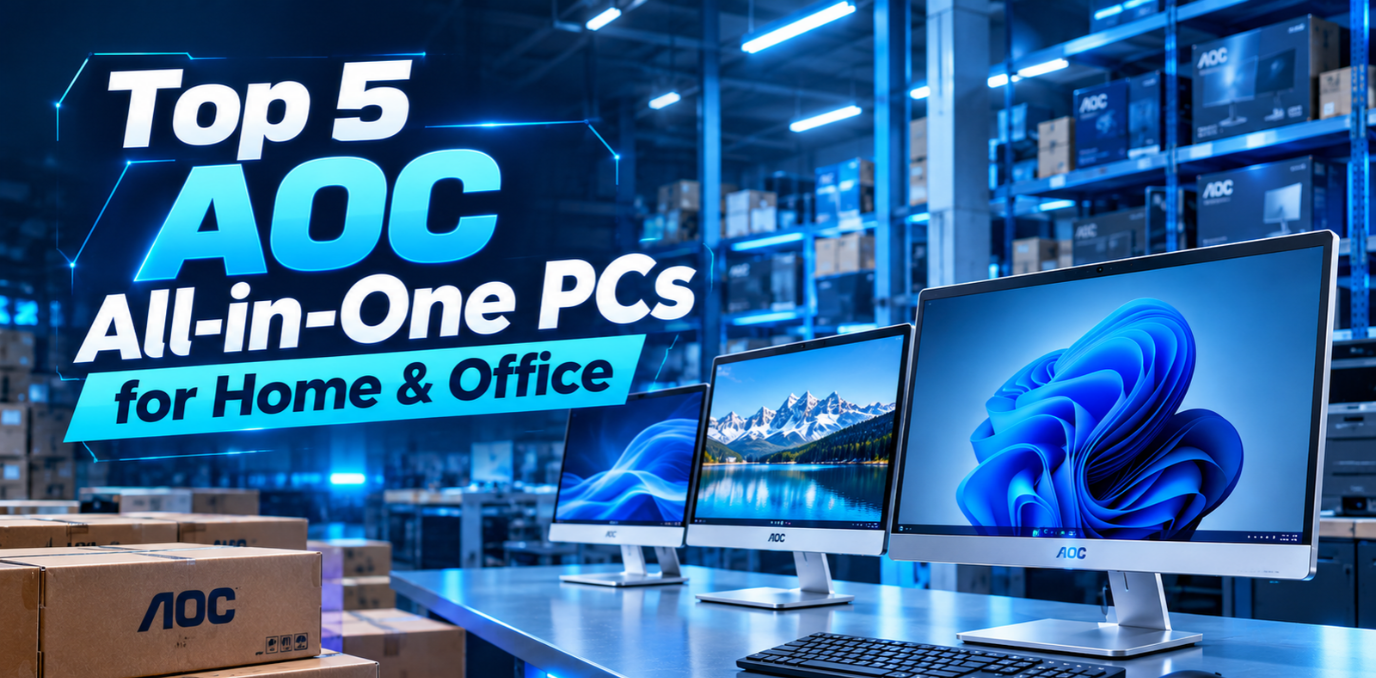

Choosing the right desktop computer for home or office use depends on performance, display quality, connectivity and available workspace. An all in one desktop pc combines essential computing components with a display in one setup, helping maintain a clean and organized desk.
AOC offers computing and display solutions for different environments. When selecting a computer, buyers should compare specifications, upgrade options and intended usage to find a suitable model.
1. AOC H300 30-Inch Ultra-Wide PC for Multitasking
The AOC H300 30-Inch Ultra-Wide Full HD All-in-One PC is listed on Tiitan's website. It features a 30-inch display, 2560 × 1080 resolution, a 21:9 aspect ratio and a 200Hz refresh rate.
Its wide screen can help professionals manage multiple windows, compare documents and work with spreadsheets. The listed hardware options include compatible Intel and AMD processors, depending on the configuration.
Best for: Professionals who need a wide display for multitasking and everyday productivity.
2. AOC H300 for Home Learning and Everyday Tasks
An AOC all in one PC can be a practical option for families and students who need a computer for browsing, online learning, research and document preparation. The H300 provides a large display for educational resources and multiple applications.
Its connectivity options allow users to connect compatible peripherals. Buyers should confirm webcam availability and the selected memory and storage configuration before purchasing.
Best for: Students and households that need a computer for everyday computing.
3. AOC H300 for Office Productivity
Businesses should consider display size, connectivity and compatibility with their existing applications when choosing a computer for professional use.
The AOC H300 lists USB 2.0, USB 3.0, HDMI, VGA/COM, RJ45 Ethernet and audio connections. These ports can support compatible accessories and workplace equipment.
Its ultra-wide screen can be useful for administrative tasks, spreadsheet management and working across multiple applications.
Best for: Small businesses, administrative teams and professional workstations.
4. AOC H300 for Expandable Memory and Storage
Memory and storage play an important role in handling applications and business files. The H300's listed specifications support dual DDR memory slots with up to 64GB DDR5, an M.2 SSD up to 2TB and dual SATA HDD support, subject to configuration and component compatibility.
This flexibility can benefit businesses planning long-term workstation use. Before placing an order, confirm the installed components because maximum supported capacity does not necessarily mean the system comes with those specifications.
Best for: Buyers who value configurable memory and storage options.
5. AOC H300 for Space-Conscious Workstations
A streamlined workstation can be useful in both home offices and commercial environments. The H300 combines its computing components and display in one design, with wall-mounting capability for compatible installations.
Its listed features also include built-in speakers, wide viewing angles and an anti-theft lock. These features can support different workspace arrangements, depending on the user's requirements.
Best for: Home offices and businesses looking for a clean, organized workstation.
Why Choose Tiitan for AOC Computing Solutions?
Tiitan offers technology products and business-focused sourcing solutions, including AOC products listed on its website. Businesses can review the available specifications and contact Tiitan to discuss configurations, bulk purchasing requirements, delivery arrangements and applicable warranty terms.
What to Check Before Buying
- Processor: Choose a configuration suited to your workload.
- Memory: Verify installed RAM and supported upgrades.
- Storage: Confirm the included SSD or HDD capacity.
- Display: Compare screen size, resolution and refresh rate.
- Connectivity: Check the ports needed for your peripherals.
- Warranty: Confirm after-sales support and coverage terms.
FAQ
Q1. Is the AOC H300 suitable for office work?
Yes. Its wide display and connectivity options make it worth considering for compatible office workloads.
Q2. Can the AOC H300 be used for online classes?
It can support browsing, research and document preparation. Check webcam availability if video classes are required.
Q3. Can its memory and storage be upgraded?
The listed specifications support memory and storage expansion, subject to component compatibility and the selected configuration.
Q4. Where can I find AOC computing products?
You can review the H300 listing on Tiitan's website and contact the company to confirm availability and purchasing options.
Q5. What should businesses consider before purchasing?
Businesses should compare hardware specifications, connectivity, upgrade requirements, warranty coverage and total purchasing costs before ordering.